
Network and endpoint security: the two locks every Oman office needs
Office security has two halves, the network and the devices on it, and here is why you need both and how a normal Oman office can put them in place.
Two locks, not one
If you run an office in Muscat and you have paid for antivirus on the computers, it is fair to ask whether that means you are safe. The honest answer is that it is half of the job. Keeping an office secure has two sides, and they only work when both are in place. One side is the network, the shared connection every device in the office sits on. The other is the endpoint, meaning each individual laptop, desktop and phone. Good network and endpoint security means covering both, because an attacker only needs the weaker one to get in.
Think of it like a building. A wall and a gate keep the street out, but once someone is inside, every unlocked office door is fair game, so locking each door matters too. Do one without the other and you have left an obvious way in. Below is what each side involves, why the gap between them is where most trouble starts, and what a normal Oman office can actually do about it.
The network side: the wall around the office
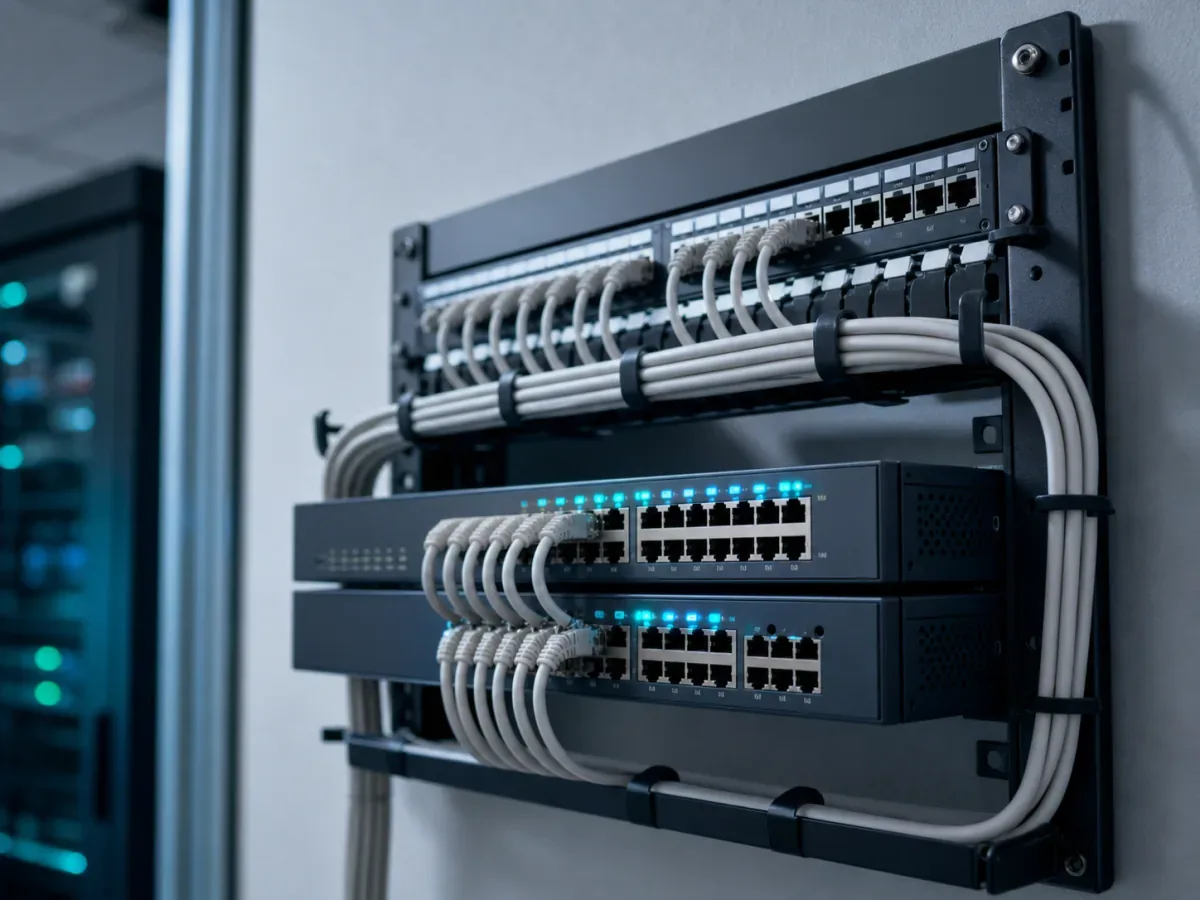
The network is everything your devices connect through: the internet line, the router, the switches, the wifi. Securing it starts with a proper firewall. Most offices rely on the basic firewall built into the router the internet provider handed them, which is better than nothing but is not built to inspect business traffic or block a determined attempt. A business-grade firewall sits between your office and the internet and decides what is allowed in and out. The way your office network is set up and secured is the foundation the rest of this sits on.
The second piece is separating your guest wifi from your business systems. Visitors, contractors and staff phones should sit on a guest network that can reach the internet but cannot see the office computers, the server or the shared drives. When a customer's phone and your accounts machine share the same network, a problem on that phone becomes a problem on your network.
The third piece is segmentation, which is the same idea applied inside the office. Instead of one flat network where everything can talk to everything, you split it so the cameras, the payment terminals, the office computers and the printers sit in separate zones. If one device is compromised, segmentation stops the problem from spreading to the rest. A ransomware infection on a single reception PC is a bad day. The same infection reaching every machine and the server because the network was flat is the kind of event that closes a business for a week.
The device side: a lock on every screen
The endpoint side is about the devices themselves, and it starts with real protection on every one of them. Not the free tool on the main computer and nothing on the rest, but managed protection on every laptop, desktop and work phone, including the ones that leave the building. A laptop that gets infected on home wifi and comes back to the office in the morning walks straight past the firewall, because it is already inside.
The second piece is updates. Most break-ins do not use clever new tricks; they use known holes in software that a patch already fixed months ago. Keeping Windows, the browsers and the everyday applications updated closes those holes before anyone can walk through them. This is dull, ongoing work, which is exactly why it gets skipped, and skipping it is one of the most common reasons an office gets hit.
The third piece is multi-factor authentication, or MFA, on the accounts that matter: email, the accounting system, remote access, anything holding money or customer data. MFA means a stolen password on its own is not enough, because signing in also needs a code from a phone or an app. Passwords leak constantly through no fault of the business. MFA is the single cheapest step that turns a leaked password from a break-in into a non-event. Pulling this together across every device and account is the heart of practical cybersecurity for an office.
Why one half without the other leaves a gap
Here is the part that gets missed. Each half covers a weakness the other cannot reach, so doing one alone leaves a real gap rather than half the protection.
A strong firewall does nothing about a laptop that was infected somewhere else and carried back in. A network wall only stops threats crossing the wall; it is blind to what is already inside. That is what endpoint protection is for.
The reverse is also true. Antivirus on every machine does not stop a guest device on the same flat network from reaching your server, and it does not stop an attacker who has a working password from simply logging in. That is what segmentation and MFA are for.
The two halves assume each other. Segmentation limits how far a compromised laptop can spread, but only if the laptop also has protection that catches the infection in the first place. MFA protects an account even when the network is breached. Updates close the holes that firewalls and antivirus would otherwise have to catch under pressure. Secure the network and leave the devices open, or lock the devices and leave the network flat, and you have paid for a door with no wall, or a wall with no doors.
Practical steps a normal Oman office can take
You do not need an enterprise budget to close most of this gap. In rough order of value for effort:
- Turn on MFA today on email and any system holding money or customer data. It is usually free and it is the highest-value single step.
- Put visitors and personal phones on a separate guest wifi that cannot see the office computers.
- Make sure every device, including the ones that go home, has managed protection, not a mix of free tools and nothing.
- Switch software updates on and let them install, rather than clicking "remind me later" for months.
- Replace the provider's default router firewall with a business firewall if anything sensitive runs through the office.
- Segment the network so cameras, payment terminals and office computers are not all in one flat zone.
- Write down who is responsible for checking all of this, because security that nobody owns quietly lapses.
Most offices can do the first four themselves in an afternoon. The last three usually need someone who has done it before, and are worth getting right rather than guessing. Keeping all of it maintained over time, rather than set up once and forgotten, is what ongoing managed IT support is for.
A realistic starting point
You will not close every risk, and no honest provider will promise you will. The goal is to stop being the easy target, because most attacks are automated and go for whoever left the obvious gap open. An office with a real firewall, a segmented network, protected and updated devices, and MFA on the accounts that matter has already avoided the mistakes that catch most small businesses. Start with the free steps this week, plan the network side properly, and treat the two halves as one job, because to an attacker they always were.
Get a quote for your setup

Amirh. Safavi
Founder
Amirh. Safavi is the founder of BudTech LLC, an IT and software company in Muscat founded in 2026, and writes its guides to business IT in Oman.
More from Amirh. Safavi