
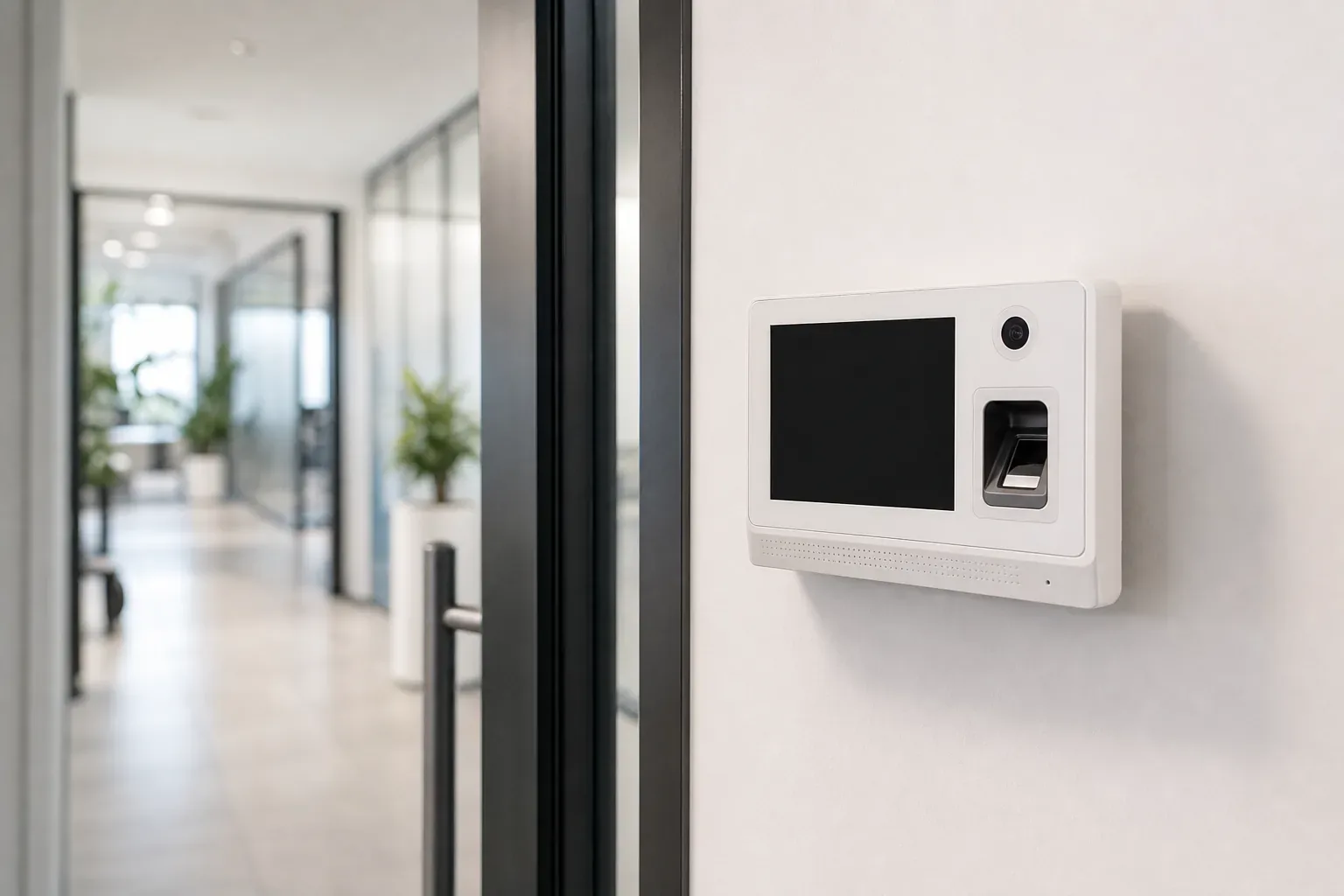
Time and attendance systems: getting hours right without chasing paper
Fingerprint, face or card, and what happens to the data afterwards. How attendance systems work, where they save real money, and how to choose one that suits your workplace.
What the paper version really costs
Almost every business starts with a sign in sheet or a WhatsApp message from the site supervisor. It works while the team is small and everyone can see each other. Then you add a second shift, a branch across town, and a few people who work on client sites, and the end of the month turns into an argument.
The costs are quiet but real. Somebody spends a day of every month turning scribbles into a payroll sheet. Overtime gets estimated rather than measured, which either costs you money or shortchanges someone. Two people remember the same late start differently and there is nothing to settle it. Nobody notices the pattern where one site finishes twenty minutes early every Thursday. An attendance system does not fix a management problem, but it replaces guesswork with a record everyone can look at.
How these systems actually work
The concept is simpler than the brochures suggest. There are three parts.
First, a device captures an event: this person, at this door, at this time, coming in or going out. Second, software turns those raw events into working hours by applying your rules: this is a normal day, this is fifteen minutes late, this crosses into overtime, this person was on approved leave. Third, the result comes out as a report or a file that payroll can use.
The device is the part people shop for, but the rules and the export are where the value sits. A perfect fingerprint reader feeding a system whose rules do not match how you actually work will produce clean numbers that are wrong.
Choosing devices for the workplace you actually have
- Fingerprint readers are the familiar choice and the cheapest to run. They are fine in an office. They struggle in workshops, kitchens and on sites, where hands are dusty, wet, or worn from manual work, and every failed read is a queue at the door.
- Face recognition terminals have largely taken over main entrances. They are quick, need no contact, and cope with the conditions that defeat fingerprint readers. They need reasonable lighting, so avoid mounting one facing a glass front in the afternoon sun.
- Cards and fobs are the most tolerant of dirt and gloves and are easy to issue to temporary staff. Their weakness is that a card can be handed to a colleague, which is the oldest attendance trick there is.
- Mobile and geofenced check in suits people who never come to an office. The phone records the punch and the location, which is genuinely useful for site teams, and it needs a clear internal policy so it does not feel like tracking.
- A tablet or kiosk at the entrance can work for a small team, though a shared screen in a busy doorway is slower than it looks.
Many businesses mix them: a face terminal at the main door, a card reader at the warehouse, and mobile check in for the installation crew. If you are already putting readers on doors for security, taking attendance from the same hardware is the obvious saving, which we cover in the access control guide.
The rules are the actual product
This is the part to spend an hour on before you buy, because it decides whether the system reduces work or adds it. Write down how your business really operates, then check the system can express it:
- Shift patterns, including split shifts and night shifts that cross midnight.
- Grace periods, so a two minute late arrival does not become a payroll event.
- Breaks, and whether they are deducted automatically or punched.
- The overtime threshold, and whether it is calculated daily, weekly or monthly.
- Rounding, and in whose favour it goes, agreed openly rather than discovered by staff later.
- Absence, leave and public holidays, so the report does not flag approved leave as missing hours.
- Approvals, so a supervisor can correct a genuine missed punch and the correction is itself recorded.
If the answer to any of these is that you will fix it manually in a spreadsheet each month, the system has not solved your problem.
Getting the numbers into payroll
There are three ways this usually goes. The system produces a report someone retypes, which works but keeps a person in the loop for no good reason. It exports a file that payroll imports, which is the practical middle ground and what most businesses should ask for. Or it integrates directly with your payroll or ERP so the hours arrive without a file at all.
Direct integration is the cleanest, and it is a fair question to ask before you choose a supplier, because it depends on what your payroll system accepts. Where an off the shelf link does not exist, this is a small and well defined piece of work, and it is the sort of thing our custom software and ERP team builds. The unglamorous detail that matters most is that employee identifiers match on both sides, otherwise every month starts with reconciling names.
Branches, sites and people who are never in the office
If you have more than one location, decide early whether each site keeps its own data or everything reports centrally. Central is almost always what you want, so a manager can see all sites in one place and payroll pulls one file. That does mean the devices need a reliable path back to the server, so attendance becomes another reason to have a sound network between your branches.
Look for local buffering, where the device keeps recording during a connection outage and syncs afterwards. Without it, an internet problem becomes a payroll problem.
Using it fairly, and keeping the data sensible
Biometric records are personal information about your employees, and attendance data says a lot about a person's day. A few principles keep this straightforward:
Tell staff what is being collected, why, and what it will be used for, before the device goes on the wall. Store fingerprint and face templates on a system you control rather than an unknown cloud service, and delete them when someone leaves. Keep attendance history for as long as your payroll and record keeping actually require, then stop. Make sure a person can query their own record, because disputes are the main reason the audit trail exists. And confirm your specific obligations under Oman's labour and data protection requirements with your own HR or legal advisor rather than assuming the supplier's default settings match them.
Where it goes wrong in practice
- Only an in punch. A reader at the entrance and nothing on the way out means half the data is missing, and the system will spend every month guessing.
- The device is in the wrong place. A reader inside a locked door does not record the person who could not get in. One in direct sun or blowing dust will fail early.
- Nobody owns the leaver list. Ex staff who are never removed keep appearing on reports, and biometric records that should have been deleted linger.
- Clock drift. A device with the wrong time produces a plausible looking record that is quietly wrong. Time synchronisation is a five minute job at install and a headache if skipped.
- No backup of the database. Attendance history is payroll evidence. It belongs in your normal backup routine, not on a device on a wall.
- It is sold to staff as surveillance. How the system is introduced determines whether people accept it. Framed as accurate pay and fair overtime, it is an easy conversation.
The short version
An attendance system pays for itself when hours are currently being estimated, when you have shifts or multiple sites, or when payroll takes a day of somebody's month. Choose the device for the environment rather than the brochure, spend your effort on the rules and the payroll export, put a person in charge of the employee list, and be open with staff about what is collected. If you want the doors, cameras and attendance running as one system with one set of records, that is how we design it, and the site survey and quote cost nothing. Our CCTV and site security work and our ongoing IT support cover the parts that keep it working after install day.
Get a quote for your setup

Amirh. Safavi
Founder
Amirh. Safavi is the founder of BudTech LLC, an IT and software company in Muscat founded in 2026, and writes its guides to business IT in Oman.
More from Amirh. Safavi