
Managed IT
Business Network Setup, Structured Cabling and WiFi in Oman
Overview
The network everything else runs on
A network that mostly works is easy to live with until the day it does not. The WiFi drops in the far meeting room, the payment terminal freezes at the counter, a camera goes offline and nobody notices for a week. The cause is usually the same: a network that grew by accident, one cable and one cheap router at a time, with no one who owns the whole thing.
BudTech is a networking company that builds business networks properly, from the cabling in the walls to the WiFi your team actually uses. It is the layer everything else sits on. Your phones, cameras, servers and cloud apps all ride on the same network, so when it is built well they are quietly reliable, and when it is built badly every one of them suffers. We treat it as the foundation it is, size it to your business, and install it so the next person who opens the cabinet can understand it.
Structured cabling, done so it lasts
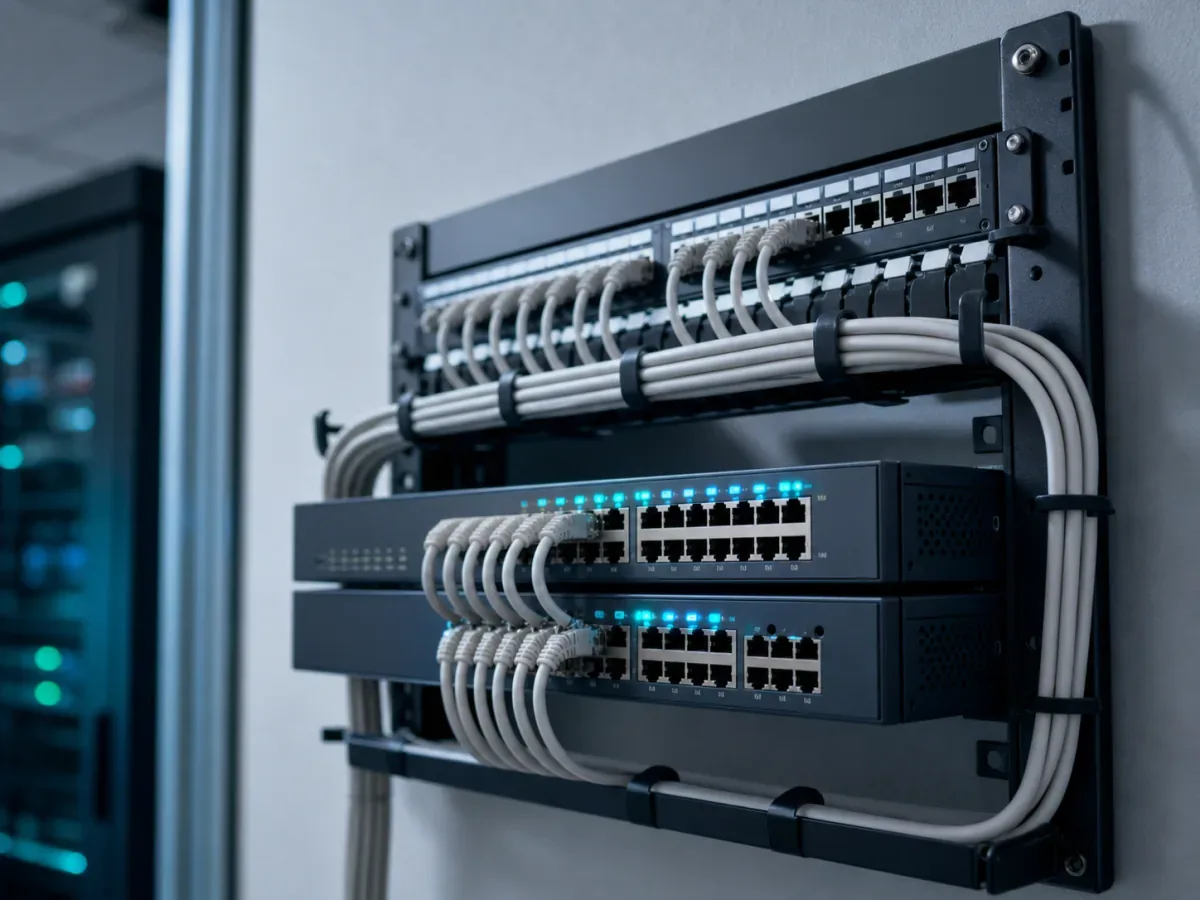
Structured cabling is the wiring that connects every desk, phone, camera and access point back to one tidy point. Done properly it disappears into the building and works for years. Done in a hurry it becomes the tangled cabinet that no one dares touch, where tracing one fault means pulling on a cable and hoping.
We run the right grade of cable for the job, Cat6 or Cat6A for most offices and fibre where distance or bandwidth calls for it. Every run is labelled at both ends, terminated on a patch panel, and tested before we sign it off, so a fault later is a two-minute lookup rather than an afternoon of guessing. You are handed a documented port map, not a mystery. Wall sockets go where desks will actually sit, and data runs are kept clear of power cabling so nothing picks up interference later. Good cabling is boring on purpose. It is also the part people skip to save money and regret first, because pulling new cable through a finished office costs far more than doing it once, correctly, from the start.
Switches and routers sized to your business
The switches and router are the traffic control of your network, and the common mistakes run in both directions. Some businesses buy a home router for an office of thirty people and wonder why everything crawls. Others get sold a rack of enterprise gear they will never grow into. We size the equipment to the number of users, the devices, and how hard you push the connection, using business-grade kit from mainstream brands rather than whatever was on the shelf.
Where it earns its place we use managed switches, so traffic can be separated and problems can be seen rather than guessed at. We plan Power over Ethernet for the things that take power down the network cable, cameras, phones and WiFi access points, which means fewer plugs and adaptors around the building. A small battery backup on the cabinet keeps the switches, and with them the phones and internet, alive through the short power cuts that would otherwise reset the whole office. And we leave headroom. A network sized only for today needs ripping out the moment you add a floor or a dozen staff, so we build in a little room to grow.
Business WiFi that reaches every corner
Most WiFi complaints are not really about speed. They are about coverage: the dead spot in the corner office, the warehouse aisle where the scanner loses signal, the yard where nobody can get a connection at all. One consumer router in the corner of a building was never going to cover it, no matter how new it is.
Business WiFi is built differently. We survey the space, account for walls, metal shelving and distance, and place proper access points so the signal is strong where people actually work. Devices hand over from one access point to the next as staff move, without dropping calls or sessions. In a warehouse or a larger site we plan for the harder conditions, the high ceilings, long aisles and interference, rather than hoping a stronger antenna will paper over them. The goal is simple: WiFi you stop thinking about, because it just works wherever you open a laptop or scan a box.
Separating staff, guests and the things that matter
Not all traffic on your network should mix. Guests waiting in reception do not belong on the same network as your accounts system, and a camera has no business reaching your file server. Keeping traffic separated is partly about safety and partly about speed. If a visitor's laptop is infected, or a guest starts streaming, you do not want that touching the systems the business runs on.
We split the network into separate segments, a guest network kept well away from everything else, and staff, cameras, phones and payment devices each in their own lane. This is where the network meets cybersecurity: segmentation is one of the simplest and cheapest things that limits the damage when something does go wrong. It also keeps the important traffic fast, because the till and the video calls are not fighting the guest WiFi for room. And the things that cannot drop, the payment terminal, the booking system, the phones, we keep on wired connections wherever we can, because a cable does not suffer from a crowded channel or a moved shelf.
The foundation for everything else
Because the network carries everything, it is the natural place to connect the rest of your technology, and doing it under one roof means the layers are planned together instead of fighting each other:
- Servers and virtualisation that need fast, reliable wired links to every desk
- CCTV and security cameras powered and carried over the same tidy cabling
- Business phone and VoIP systems that depend on a network built to keep calls clear
- Managed IT support that is far easier when the network underneath is documented and sound
- A brand new office or branch fit-out where the cabling and network go in as part of the build
When one team plans all of this, the camera does not knock the phones offline and the new server has a port waiting for it. That is the quiet advantage of a network built as a foundation rather than patched together after the fact.
How we start: a free site survey
We do not quote a network blind off a floor plan. The first step is a free site survey, on site, where we walk the building, look at how you work, and find the dead spots and the weak points before we propose anything. You get a clear plan and a straight recommendation, whether that is a full install for a new space or fixing the parts of an existing network that let you down.
Most of our work is on existing, occupied offices, so we plan around your day. Cabling and cut-overs can be staged after hours or in phases, so the business keeps running while the network improves underneath it. We work alongside whichever internet line you already have, Omantel or Ooredoo, and make sure your own equipment gets the most out of it. We install in person across Oman, and support businesses in the wider GCC remotely.
Talk to us
Tell us where the network lets you down, a dead spot, a cabinet no one understands, or a new space to fit out, and we will arrange a free site survey. WhatsApp +968 9097 1795 or email contact@budtech.om. One local team for the whole picture, from the network in the walls to the day-to-day IT support that keeps it running.
Related reading
Frequently Asked Questions
Can you improve our existing network instead of replacing all of it?
Usually yes. We start with a free site survey, keep the cabling and equipment that is sound, and fix the parts that let you down, whether that is coverage, a messy cabinet, or a router that cannot keep up. A full replacement is a recommendation, not a default.
Do we have to close the office while you run the cabling?
No. Most of our work is in occupied offices, so we plan around your hours. Cabling and cut-overs can be staged after hours or in phases, so the business keeps running while the network is improved underneath it.
Will the WiFi actually reach our warehouse or yard?
That is what the site survey is for. We account for high ceilings, metal shelving, long aisles and distance, then place proper access points for the conditions rather than relying on one router. Larger and outdoor spaces are planned differently from a small office.
Can you work with our current internet line?
Yes. We work alongside whichever line you already have, Omantel or Ooredoo, and make sure your own switches, router and WiFi get the most out of the connection. The internet line into the building and the network inside it are two separate things, and we handle the inside.
How do you keep guests off our business systems?
We split the network into separate segments, so guest WiFi is kept well away from staff systems, cameras, phones and payment devices. It is a simple step that improves both security and speed, and it is part of how we build every network.
What do we actually get handed over at the end?
A working, documented network: cabling labelled at both ends, terminated on a patch panel and tested, plus a port map so any future change or fault is quick to trace. You own the equipment and the documentation, so the network stays understandable to whoever works on it next.