
Setting Up the IT for a New Office or Branch in Oman
A new office IT setup is really a scheduling problem: here is the order it happens in, from cabling to computers, and why one team should coordinate it all.
Getting a new branch from an empty room to a working office
When you sign the lease on a new office or branch, the clock starts. There is a move-in date, maybe an opening date, and between now and then an empty shell has to become a place where people can sit down and work on day one. A new office IT setup is the part that is easy to leave too late, because you cannot see it: the network in the walls, the internet line, the phones, the cameras, the computers ready with email. Get the order and the timing right and opening day is quiet. Get it wrong and your team spends its first week without WiFi, waiting on a line that was never ordered.
This is a plain walk through what actually goes into taking a new space from empty to working, in the order it happens, and why one team handling all of it beats stitching together five vendors who each turn up late.
Plan it backwards from the move-in date
The single most useful thing you can do is fix the date you need to be working and plan the whole setup backwards from it. Almost everything in an office fit-out has a lead time, and the parts with the longest lead times are the ones you cannot rush at the end.
The internet line is usually the worst offender. Ordering a business connection from the provider can take weeks, and in a leased building you may also need the landlord's permission to run the line into the unit and use the riser, which adds time of its own. So the line gets ordered first, often before the paint is dry. Cabling has to go in while the walls and ceilings are still open, which means it has to be scheduled around the fit-out, not after it. It is also worth knowing that the fit-out electrician is usually not the data cabling contractor, and that gap, where each assumes the other is handling the network, is exactly where new offices lose a week. Cameras and access control want to be wired before the ceiling closes too.
When the IT plan is built against the opening date from the start, each of these slots into the fit-out at the right moment. When it is an afterthought, you discover the constraints one painful surprise at a time.
First the bones: cabling, network and the internet line
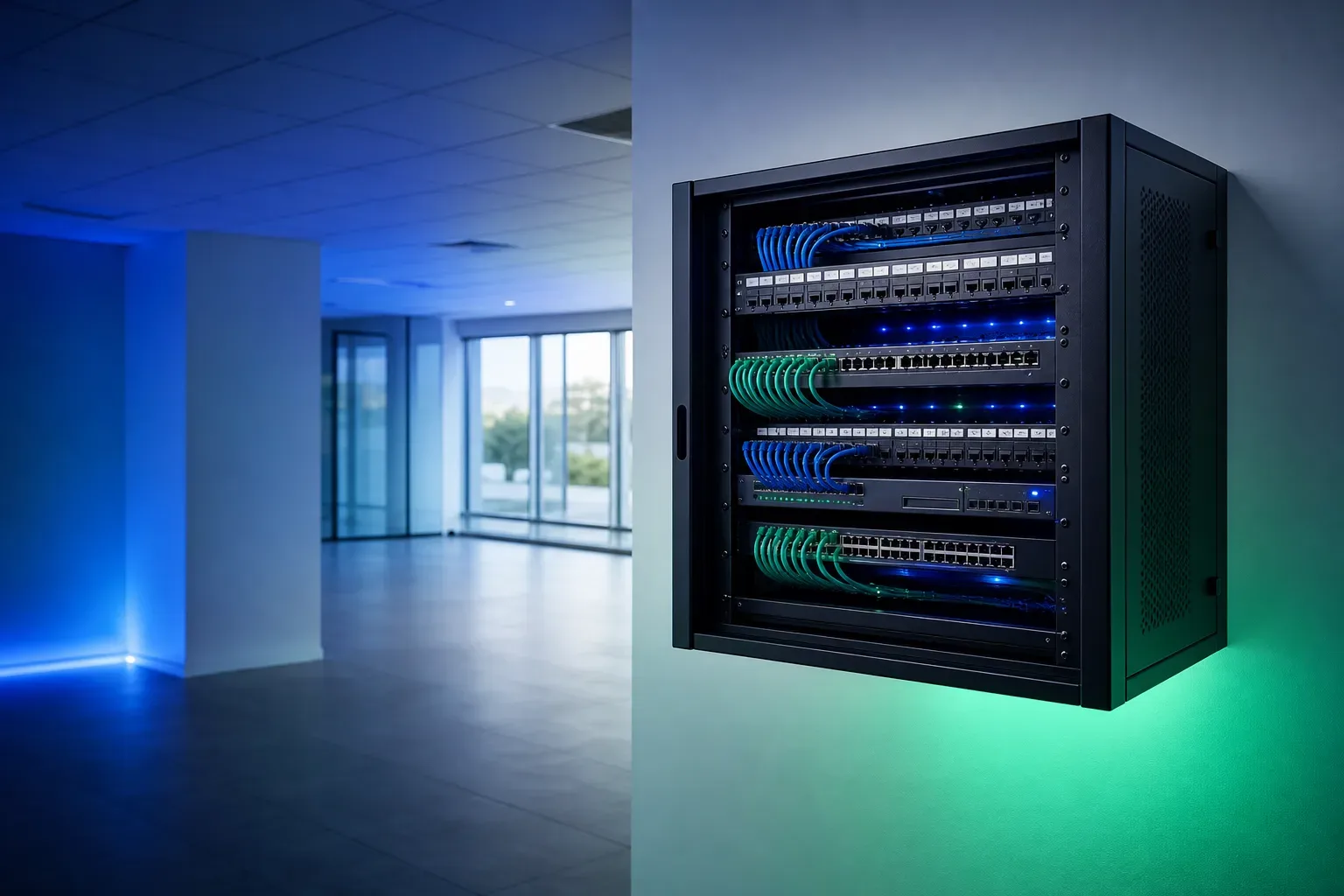
Everything else in the office sits on top of the network, so that goes in first. Structured cabling and the network means running proper data points to every desk, meeting room, camera and access point, back to one tidy comms cabinet, and terminating it all so it can be tested and labelled. Where that cabinet goes is worth deciding early with whoever is doing the fit-out, because it needs a bit of space, power and some ventilation, and a small UPS there keeps the network and phones alive through a power blip rather than dropping the whole office. Doing the cabling while the ceilings and walls are open is far cheaper and cleaner than chasing cables through a finished office later.
With the cabling in and the switch and router in the cabinet, the office has a network. Business WiFi goes on next, with access points placed for real coverage across the floor rather than one router in a corner that drops out in the far meeting room. Then the internet line you ordered early gets connected to the router, and the office has a way in and out.
Get these three right, in this order, and the rest of the setup has something solid to plug into.
Then the systems that run on it
Once the network and the line are live, the systems your business actually uses go on top:
- The servers and shared files come next. If the business runs on a shared drive, an accounting system or a local server, that server and its storage are set up, along with where files live and who can reach them.
- Business phones run over the same network now, so a business phone system can give you extensions, a main number and a simple menu without a separate line to every desk.
- Cameras and door access go live. CCTV and door access cover the entrances and key areas, record so footage is actually there when you need it, and let the right people through doors while keeping others out.
- Then the computers and email. The desks get their machines, and each person's email and accounts are set up and working, so the first task on day one is work, not waiting for a laptop to be configured.
The point of the order is that nothing here can be finished before the layer under it exists. Trying to set up computers and phones before the network is in is how a setup stalls.
Security from day one
Security is not something you add once the office is busy; it is set up as the office comes together, before anyone relies on it. That means the network is segmented so guests and cameras are not sitting in the same space as your accounts, the router and WiFi have real passwords rather than the ones printed on the box, staff accounts have proper logins from the first morning, and there is a backup running before the data that matters starts to pile up.
A new office is the one moment when doing this is easy, because nothing is live yet. Retro-fitting security onto an office that has been running loosely for a year is harder and more disruptive. Once the setup is done, keeping it that way is where ongoing managed IT support comes in, so the office stays patched and backed up rather than drifting.
One team, or five vendors who blame each other
Here is where most new-office setups go wrong. The cabling is one company, the cameras another, the phones a third, the internet a fourth, and the computers whoever the owner knows. Each turns up on their own schedule, none of them owns the result, and when the phones do not work on opening day, the phone vendor says it is the network and the network vendor says it is the phones. The owner is left refereeing.
The alternative is one team that plans and coordinates the whole end-to-end IT setup against your date and owns the outcome. Cabling, network, WiFi, internet, servers, phones, cameras, access control, computers and email are sequenced so each is ready for the next, tested together, and handed over working. If something is not right, there is one number to call and no argument about whose fault it is. For a business opening a new branch, that single point of accountability is worth more than any one piece of hardware. (If you are wiring up more than one location, connecting branches so they work as one is its own job: linking multiple branches in Oman.)
The short version
A new office IT setup is really a scheduling problem as much as a technical one. Order the internet line early, get the cabling in while the walls are open, build up from the network to the systems that run on it, set security up from the first day, and plan all of it backwards from your move-in date. Do that, and the technology is quietly ready when the doors open. The simplest way to get there is one team handling the whole setup from start to finish, so you can spend the run-up to opening thinking about your business, not chasing five vendors.
Get a quote for your setup

Amirh. Safavi
Founder
Amirh. Safavi is the founder of BudTech LLC, an IT and software company in Muscat founded in 2026, and writes its guides to business IT in Oman.
More from Amirh. Safavi